
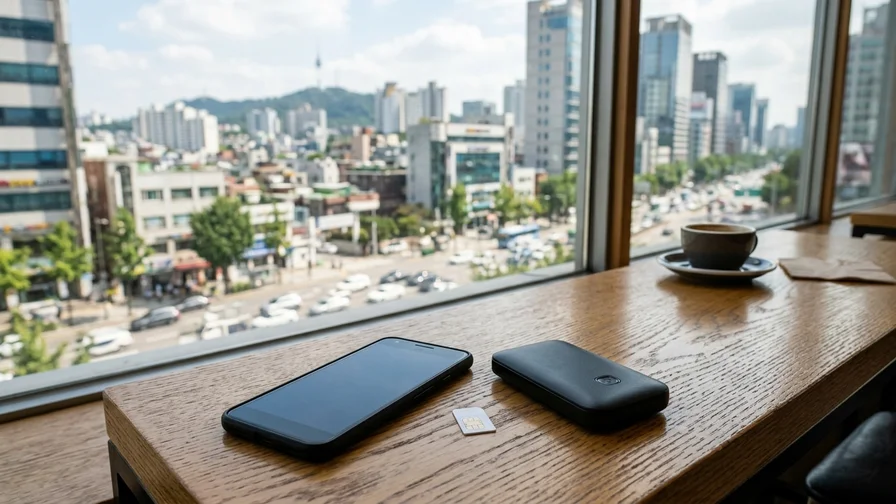
Staying Connected in Korea: Choosing a SIM, eSIM, or Pocket WiFi
목차
- Korea Connectivity Options at a Glance
- 1. SIM Card (USIM): The Choice for Travelers Who Need a Korean Number
- 2. eSIM: Ideal for Newer-Smartphone Users Who Value Convenience
- 3. Pocket WiFi (Mobile Hotspot): Best for Groups and Multi-Device Travelers
- Final Recommendations by Scenario
- Additional Tips for Using Korea’s Mobile Networks
An internet connection is essential when traveling in Korea. From searching maps and using translation apps to checking out restaurant reviews and updating your social media, reliable mobile data can make or break the quality of your trip. This is especially true in Korea, where Google Maps has limited functionality, forcing you to rely on local apps like Naver Map. That makes staying connected in Korea even more important than it is for traveling in many other countries. This guide compares three options—a SIM card (USIM), an eSIM, and pocket WiFi—to help you find the option that best fits your travel style.
Korea Connectivity Options at a Glance
Before we dive in, here’s a table summarizing the key features of all three options. Take a look and figure out which criteria matter most to you.
| Category | SIM Card (USIM) | eSIM | Pocket WiFi |
|---|---|---|---|
| Overview | A physical chip you insert into your smartphone. Comes with a Korean phone number. | A digital SIM built into your smartphone. Activated by scanning a QR code. | A portable, data-only router. You can connect multiple devices at once. |
| Korean Phone Number | Yes (except some data-only plans) | Usually not provided (separate plans with a 010 number do exist) | Not provided |
| Main Use | Data, calls, and text messages | Data only (some plans include voice) | Data only (multiple devices) |
| Pros | Great for signing up for and verifying Korean apps (delivery, taxi-hailing), easy to carry | No need to remove your existing SIM, can buy online and activate instantly, no risk of losing it | One device serves several people and multiple gadgets (laptops, tablets) at once, cost-effective |
| Cons | You have to store your existing SIM separately, need to check phone compatibility | Most lack a Korean phone number, limiting some services; only supported on certain devices | You must carry and charge a separate device, risk of loss or damage, pickup and return required |
| Recommended For | Travelers staying a week or more, those who’ll actively use Korean apps, solo travelers | Short-term travelers, those who don’t need phone calls, users with newer smartphones | Groups of two or more, travelers using multiple devices like laptops |
1. SIM Card (USIM): The Choice for Travelers Who Need a Korean Number
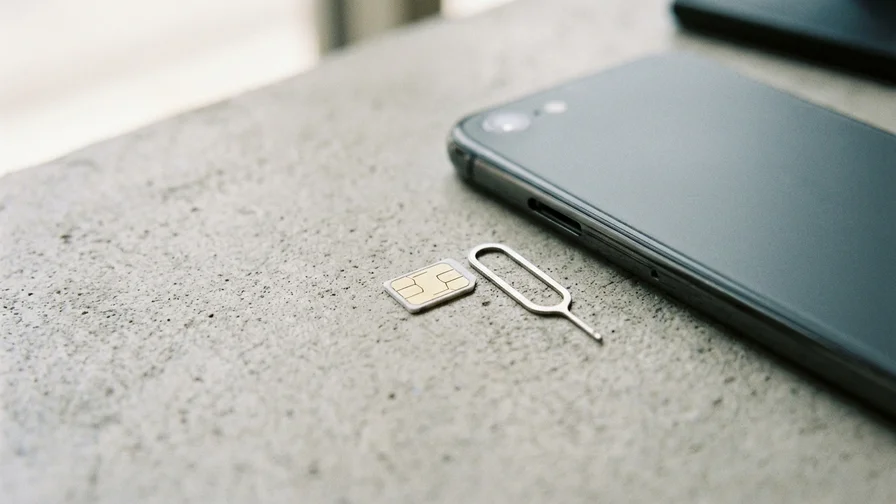
A SIM card is the most traditional and reliable way to stay connected. Once you arrive in Korea and swap out your existing SIM for a Korean one, you can use the local network right away. The biggest advantage is that you get a Korean phone number (one that starts with 010).
Pros of a SIM Card
- You get a Korean phone number: A Korean number is sometimes essential for booking restaurants, registering for waitlist systems, or verifying your identity on certain delivery and taxi-hailing apps. What matters here is having a number that starts with 010. Some budget plans only assign a 070 internet-phone number, and 070 numbers often can’t complete SMS identity verification for Korean apps. If app verification is your goal, choose a plan that explicitly states it includes a “010 number.”
- Stable calls and data: Since you’re using one of Korea’s major carrier networks (SKT, KT, or LG U+) directly, call quality and data speeds are reliable. You can also dial emergency numbers like 112 and 119.
- Easy to carry: Once it’s in your smartphone, there’s no extra device to keep track of.
Cons of a SIM Card
- Physical swap required: You’ll need to remove and safely store your existing SIM. They’re small and easy to lose. You’ll also need a pin to open the SIM tray.
- Check for a country lock: Smartphones purchased in some countries may be locked to a specific carrier. Before you leave, make sure your phone is “unlocked.” This condition applies equally to the eSIM option discussed below.
Pricing
Prices vary depending on data allowance, whether calls are included, and the length of use. Here’s the price range for unlimited-data plans (as of June 2026; the dollar equivalents will fluctuate with exchange rates).
- 5-day plan: 25,000–27,500 KRW (about $20)
- 10-day plan: 35,000–40,000 KRW (about $28)
- 30-day plan: 60,000–72,000 KRW (about $50)
Mobile pricing changes often, so it’s safest to confirm the exact amount right before purchase on booking sites like Klook, KKday, or Trazy, or on the carrier’s official page.
Editor’s tip: If you plan to stay in Korea for 90 days or more and get an Alien Registration Card, it may be more economical to sign up for a postpaid plan at a downtown carrier shop rather than buy a tourist SIM at the airport. For short-term travelers, though, a prepaid SIM is the most convenient option.
Where to Buy and Pick Up
- Incheon International Airport (ICN): This is the most convenient option. Near the exits in the 1st-floor arrivals hall, you’ll find SKT, KT, and LG U+ roaming centers and SIM card booths, where staff will help you swap and activate your SIM. As of June 2026, the locations are as follows.
- Terminal 1: On the 1st-floor arrivals level, KT and SKT roaming centers across from Exits 2 and 13 (the one by Exit 13 is open 24 hours; the one by Exit 2 runs 06:00–22:00), and an LG U+ booth between Exits 10 and 11.
- Terminal 2: On the 1st-floor arrivals level, KT (24 hours) across from Exit 4, SKT (24 hours) between Exits 6 and 7, and LG U+ (06:00–22:00) between Exits 4 and 5.
- Booth locations and operating hours can change, so check before you depart using the facility search on the official Incheon Airport website or a carrier page like the KT roaming center guide.
- Online pre-booking: If you buy in advance on travel marketplaces like Klook, KKday, or Trazy, you can reserve at a discounted price. After booking, present your voucher at the airport counter to pick up your SIM.
- Downtown carrier shops: You can also buy SIMs at official SKT and KT shops in areas popular with foreign tourists, such as Myeongdong, Hongdae, and Gangnam. Be sure to bring your passport.
- Convenience stores: Some convenience stores (GS25, CU) sell SIM cards, but the selection is limited and they’re often out of stock, so we don’t recommend this route. You’d also have to handle the activation process yourself, which can be a hassle.
2. eSIM: Ideal for Newer-Smartphone Users Who Value Convenience
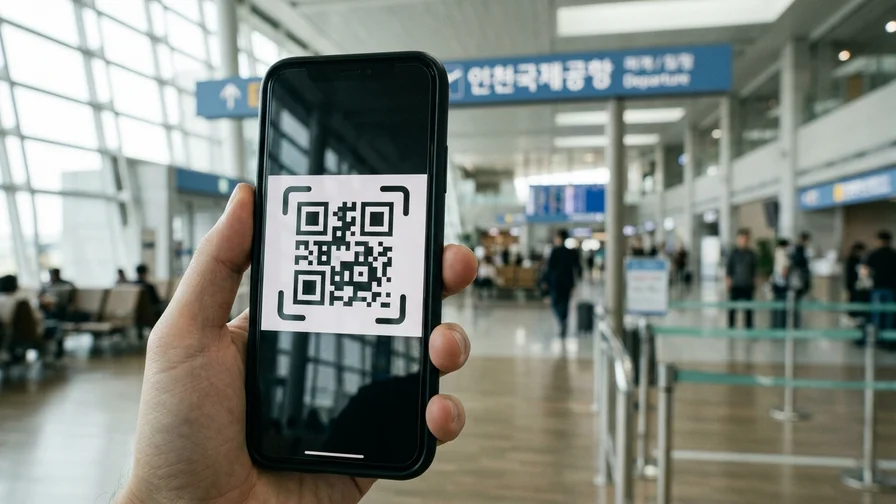
An eSIM lets you download carrier information to your smartphone by scanning a QR code, without any physical chip. It’s convenient because there’s no SIM to remove, and you can buy it before arriving in Korea and activate it the moment you land.
Pros of an eSIM
- Convenient: There’s no SIM to swap and no risk of losing one. Buy it online, scan the QR code you receive by email, and you’re set up instantly.
- Use dual SIM: Keep your existing SIM in place and add a Korean eSIM, so you can still receive calls and texts from home. (Data runs on the Korean eSIM.)
- Ready right away: You can activate your data and get online the moment your plane lands.
Cons of an eSIM
- Most don’t provide a Korean phone number: Global traveler eSIMs like Airalo and Holafly are data-only. Without a Korean phone number, you’ll face limits on services like app identity verification. That said, some traveler eSIMs from Korean carriers do include a 010 number along with voice and texts (at a price similar to a physical SIM), so if you need a number, just look for an eSIM that clearly states it includes a “010 number.”
- Emergency-call restrictions: With only a data-only eSIM active, you may not be able to dial emergency numbers like 112 and 119. We recommend keeping your home SIM active alongside it via dual SIM (even with data roaming turned off), so you can still make calls in an emergency.
- Device limitations: eSIMs are supported only on relatively recent smartphone models (for example, iPhone XS and later, Samsung Galaxy S20 and later, Google Pixel 3 and later). Even on the same model, eSIM may be missing depending on the country of release or carrier version, and it can’t be used on phones locked to a carrier contract—so verify directly using the method below.
- You need to scan a QR code: Installing an eSIM requires another internet connection, such as WiFi. You can install it at home before you leave, or use free airport WiFi to set it up.
Pricing
eSIMs are purchased through global service providers, and prices are usually set in US dollars (USD). As of June 2026, unlimited-data plans run roughly $2–4 per day (for example, about $10–20 for 5 days or $40–70 for 30 days), with wide variation by provider and promotion. Capped-data plans (for example, 20GB for 30 days at about $30) can be cheaper. Since prices change frequently in this space, compare two or three providers at the time of purchase. Meanwhile, Korean-carrier eSIMs that include a 010 number are priced similarly to physical SIMs.
Major Providers and How to Use Them
- Choose a provider: There are many global eSIM providers, including Airalo, Holafly, Ubigi, and Nomad. Select a Korea travel plan on each provider’s website or app.
- Purchase and receive your QR code: Once you pay for your chosen plan, you’ll receive installation instructions by email that include a QR code.
- Check your phone settings: Before you leave, make sure your phone supports eSIM and is unlocked.
- iPhone: Check Settings > Cellular for an “Add eSIM” or “Add Cellular Plan” option.
- Android: Check Settings > Connections > SIM card manager for an “Add mobile plan” option. (Menu names may vary by manufacturer.)
- Install and activate: After arriving in Korea, connect to airport WiFi, scan the QR code from your email, and complete the installation by following the prompts. Then turn on data roaming and you’re ready to go.
3. Pocket WiFi (Mobile Hotspot): Best for Groups and Multi-Device Travelers
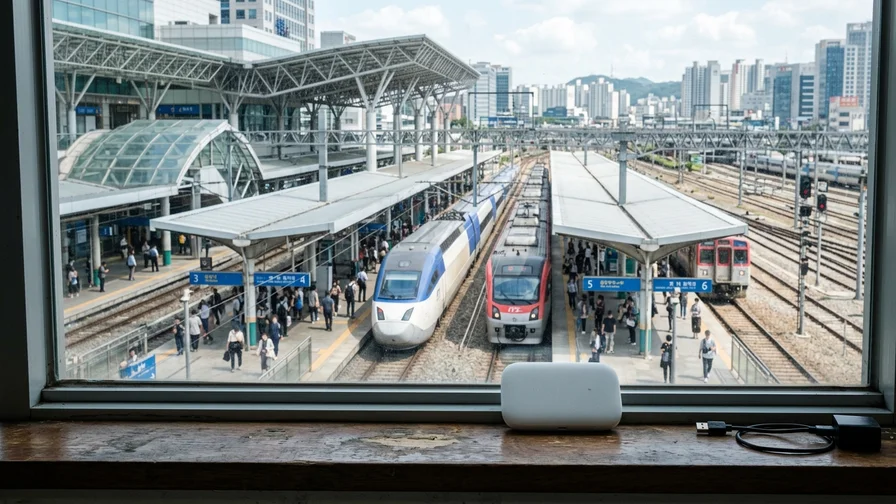
Pocket WiFi is a portable router about the size of your palm. The device converts Korea’s 4G LTE or 5G signal into a WiFi signal, letting several nearby devices connect to the internet at once.
Pros of Pocket WiFi
- Connect multiple devices: You can typically connect 5 to 10 devices at once (smartphones, laptops, tablets, etc.).
- Cost-effective: When traveling in a group of two or more, renting a single pocket WiFi and splitting the cost can dramatically cut your per-person connectivity bill.
- Easy setup: Just power on the device, find it in your smartphone’s WiFi list, enter the password, and you’re connected.
Cons of Pocket WiFi
- A device to carry and charge: You always have to carry a separate device and keep it charged with a power bank or similar so the battery doesn’t die.
- Risk of loss or damage: Since it’s a rental, you’ll have to pay for repairs or replacement if you lose or damage it.
- Pickup and return required: You pick up the device at a designated airport counter and must return it to the same or a specified location when you depart.
- No phone calls: Since it’s data-only, there’s no Korean phone number, and voice calls—including emergency calls—rely on your smartphone’s own SIM.
Pricing
Rental fees are charged per day, with discounts for longer rentals (as of June 2026).
- Daily rate: About 2,500–5,000 KRW (from around $2 with advance booking)
- Total for a 5-day rental: About 13,000–25,000 KRW
- Deposit: Many providers require a credit card registration or deposit at pickup.
Where to Pick Up and Return
Pickup and return mostly take place at Incheon International Airport. Booths for major rental providers like Klook, WiFi Dosirak, and KT are located in the airport’s arrivals and departures halls. Present your voucher after booking in advance to receive the device, and be sure to check the contents (the device, charger, and pouch). To return it, just drop it off at the same brand’s counter when you depart.
Final Recommendations by Scenario
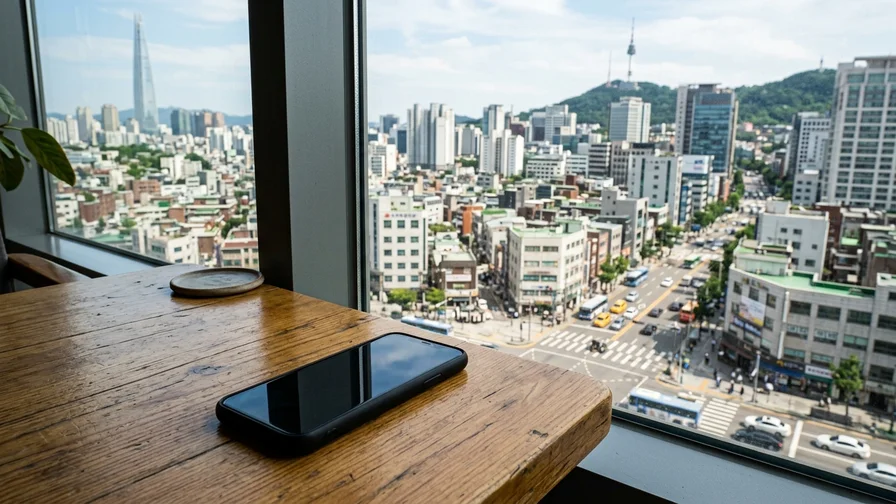
Based on each option’s features, here are our suggestions for the best choice to match your travel style.
- Short-term solo travelers (a week or less): If you rarely need to make phone calls, an eSIM is the most convenient. It’s ideal when you don’t want extra luggage and want to get online instantly.
- Long-term travelers or those wanting an immersive Korean experience: If you want to actively use local services like restaurant bookings and delivery apps, we recommend a SIM card (or an eSIM that includes a 010 number) that comes with a Korean 010 phone number.
- Groups of friends or families of two or more: Renting a single pocket WiFi is the most economical choice. It can save you far more than everyone buying their own SIM.
- Business travelers using multiple devices like laptops and tablets: Pocket WiFi reliably connects all your devices, helping you stay productive.
What About Roaming with Your Home Carrier?
You could simply turn on your home carrier’s daily roaming pass without any preparation before departure, but in terms of cost, it’s generally the least favorable option. For example, Verizon’s TravelPass in the US is $12 a day (as of June 2026), so a 10-day trip would cost $120. Over the same period, an unlimited local Korean SIM runs about $28—a difference of more than fourfold. Roaming only makes sense as an emergency stopgap for the first few hours after arrival or for an ultra-short 1–2 day layover; beyond that, a local SIM or eSIM is more economical.
Additional Tips for Using Korea’s Mobile Networks
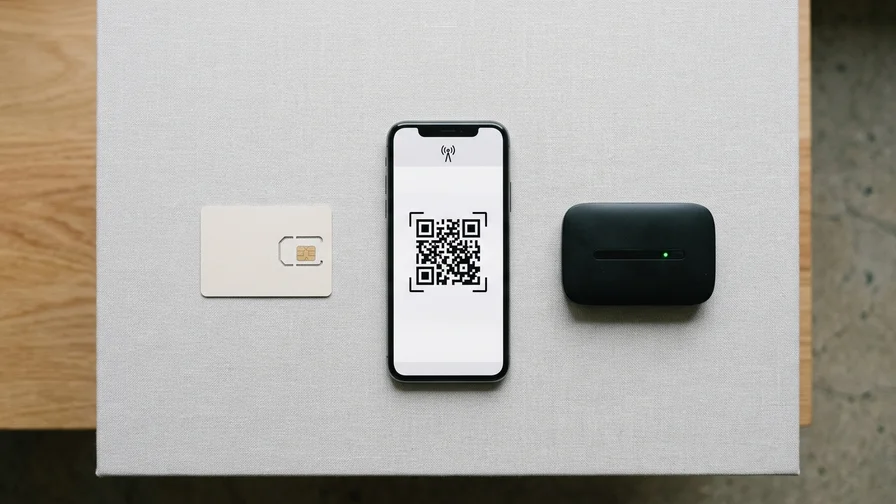
Major Carriers and Data Speeds
Korea’s three major mobile carriers are SK Telecom (SKT), KT, and LG Uplus (LG U+). All three boast excellent nationwide coverage, and in Seoul and other major cities you can experience very fast 5G speeds. In smaller regional towns and mountainous areas you’ll connect via 4G LTE, but even that is plenty fast for streaming video or using map apps without any trouble.
Why Data Matters More in Korea: The Limits of Google Maps
Korea has long restricted the export of detailed map data overseas for national security reasons, so walking and driving directions don’t work properly in Google Maps (public transit directions do work). More importantly, offline map downloads in Google Maps are not supported for Korea. The strategy that works in other countries—”download offline maps before you leave and get around without data”—simply doesn’t apply in Korea. On the ground, Naver Map and KakaoMap are the de facto standard. Both apps support English, but their offline features are limited, so an internet connection is required. In short, for traveling in Korea, a reliable data connection is a prerequisite for navigation.
Free Public WiFi
In Korea, you can easily find free WiFi in public places. Cafes, restaurants, hotels, and department stores—and even city buses and bus stops, traditional markets, and parks—offer free access via SSIDs named “Public WiFi Free” or the more secure “Public WiFi Secure” (you can search for locations on the official public WiFi website). Around downtown Seoul, the “SEOUL_Secure” WiFi is also widely available—just enter “seoul” for both the ID and password. The subway offers free WiFi in stations and some cars, though speed and stability vary widely. WiFi passwords at cafes and restaurants are usually printed at the bottom of your receipt or posted on a wall near the counter. That said, it’s safer to handle sensitive tasks like financial transactions or logins over a secure network or your own data connection.
Handy to Know: Taxi Apps and 1330
How foreign travelers can use taxi-hailing apps
The most popular taxi-hailing app in Korea is Kakao T. You can sign up with an overseas phone number, but registering a card for in-app auto-payment requires Korean phone-number verification, so registering an overseas-issued card is effectively blocked (as of June 2026). In that case, choose “Pay directly” as your payment method when hailing, and you can pay the driver with an overseas card or cash when you get out. A simpler option is k.ride, an app Kakao Mobility launched specifically for foreigners. You can sign up with a Google or Apple account and an overseas phone number, register an overseas-issued card for auto-payment, and it supports English, Japanese, and Chinese interfaces plus automatic translation of chats with your driver. Since it taps into the same Kakao T driver network, dispatch reliability is identical.
When you have questions or need help during your trip, use the 1330 Travel Hotline. Operated by the Korea Tourism Organization, it provides round-the-clock tourism information and interpretation assistance in English, Japanese, Chinese, Russian, Vietnamese, Thai, Malay-Indonesian, and more, 365 days a year. From any phone, dial 1330 without an area code (from overseas, +82-2-1330) to connect, and data-only users who can’t make calls can also reach out via real-time chat on KakaoTalk, Line, and Facebook through the VisitKorea 1330 page.
Emergency Numbers: 112 and 119
In an emergency, dial 112 (police) or 119 (fire and ambulance). Both operate 24 hours, and 119 supports interpretation in foreign languages. As noted earlier, keep in mind that you may not be able to make emergency calls with only a data-only eSIM or pocket WiFi. The surest safeguard is to use a SIM that includes voice, or to keep your home SIM active alongside via dual SIM. If you can’t make a call in an urgent medical situation, ask someone nearby to report it to 119. For non-urgent help (interpretation, disputes, guidance), 1330 is a better fit.
The Importance of Booking in Advance
You can buy SIM cards and pocket WiFi on the spot, but we strongly recommend booking in advance through online travel platforms like Klook, KKday, or Trazy. Advance booking is often cheaper than buying on-site, and you can pick up your device right away without worrying about it being out of stock after you arrive—saving you time. For eSIMs as well, it’s best to compare prices and data plans across several providers and buy ahead of time.
Carefully consider your travel duration, the number of people in your party, your data usage habits, and whether you need a Korean phone number, then choose the option that suits you best. Thorough preparation will make your trip to Korea even smoother and more enjoyable.
Related Reading on This Topic
- First Time in Korea? A Pre-Departure Checklist from Visas to SIMs and Payments
- Must-Have Apps for Korea, Starting with Kakao and Naver
- Korea Travel Insurance: What Coverage to Get and How Much to Pay
- Avoid Faux Pas in Korea: Dining, Greeting, and Public-Space Manners
- Where to Go When You’re Sick: Korea’s Pharmacies and Packing a First-Aid Kit